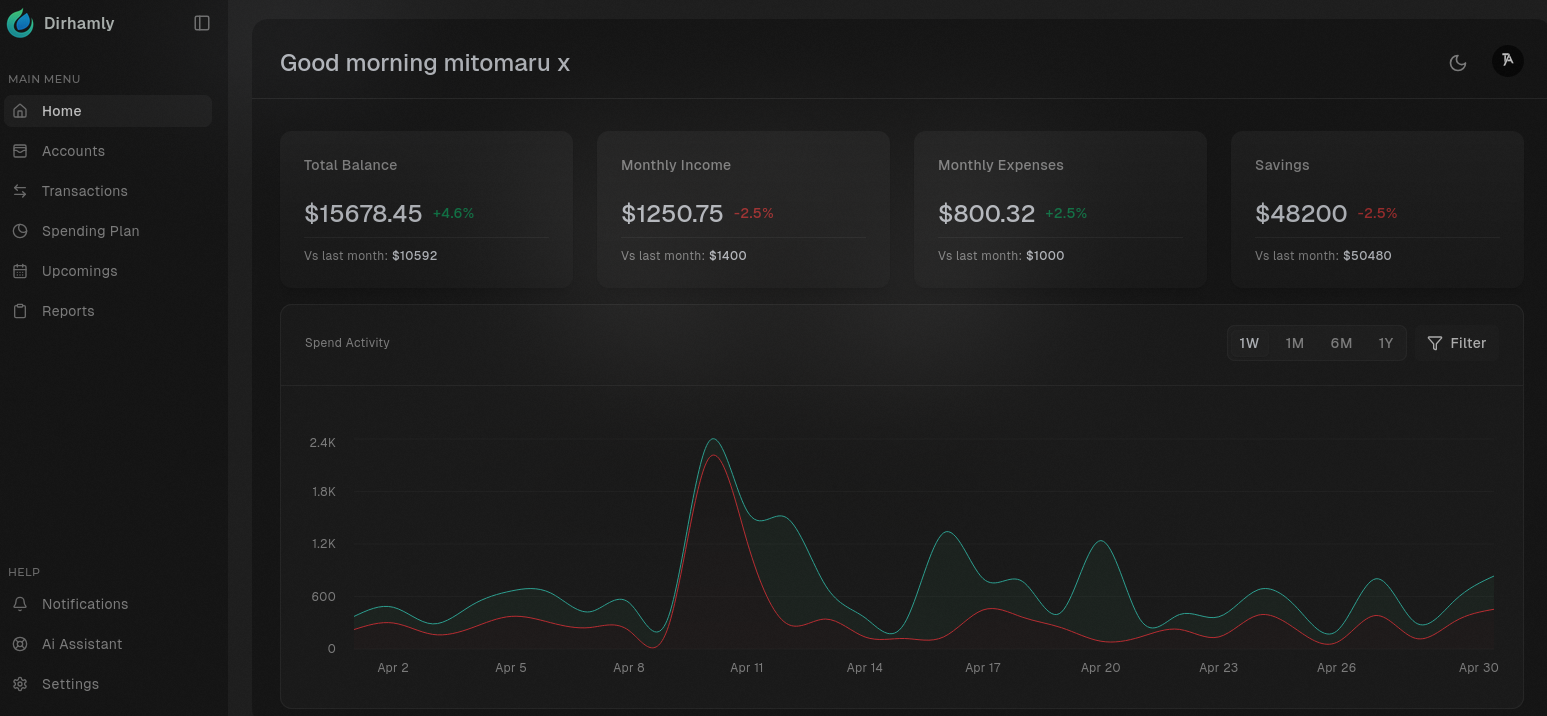
Dirham is a budgeting and finance management web app built with a clean, user-friendly interface and smart insights. It aims to make financial tracking simple and transparent, helping users understand where their money goes and how to optimize spending.
🧰 Tech Stack
- TanStack Start
- Tanstack query
- Tanstack Router
- Node.js 22
- TypeScript
- PostgreSQL
- Drizzle ORM
- Better Auth
- TailwindCSS + Shadcn UI
- Docker
- pnpm
- Biomejs
⚙️ Prerequisites
- Node.js 22+
- Docker
- pnpm or any package manager of your choice.
🚀 Getting Started
1. Clone the repository
git clone https://github.com/dirhamlyinc/dirham.git
cd dirham
2. Install dependencies
pnpm install
3. Set up your environment variables
Create a .env.local file in the root of the project:
# Database
DATABASE_URL=postgres://<user>:<password>@<host>:<port>/<database>

# Google OAuth (if applicable)
GOOGLE_CLIENT_ID=
GOOGLE_CLIENT_SECRET=

# Better Auth
BETTER_AUTH_SECRET=
BETTER_AUTH_URL=http://localhost:3000

# App base URL
BASE_URL=http://localhost:3000
Replace placeholders with your actual credentials.
🗄️ PostgreSQL with Docker
Start a local PostgreSQL container:
docker run -d \
  --name dirhamly-db \
  -e POSTGRES_USER=<user> \
  -e POSTGRES_PASSWORD=<password> \
  -e POSTGRES_DB=<database> \
  -p 5432:5432 \
  postgres
🧱 Database Setup (Drizzle ORM)
1. Push schema
pnpm db push
2. (Optional) Generate Drizzle client
pnpm db generate
🧪 Run the Development Server
pnpm dev
Server will boot up at http://localhost:3000.